TASK TEMPLATES
Task Templates are a unique feature of GeoStatus that allows you to standardize the work of a field employee. With this feature, you can create questionnaires, checklists, surveys, and simple tasks that need to be completed at the facility.
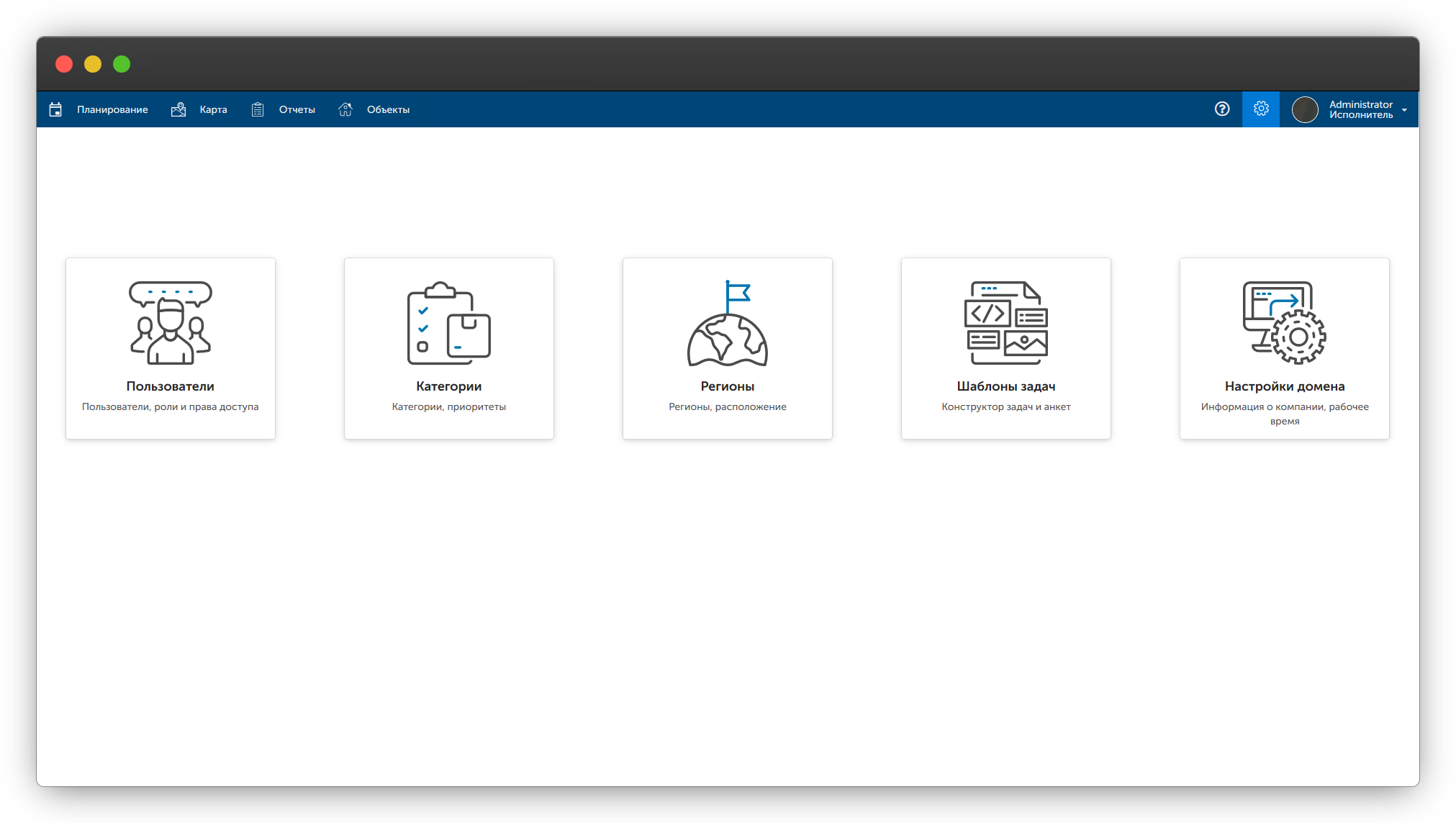
Let's set up a task template. To do this, go to the "Settings" subsection "Task Templates" and click the "Create" button in the upper left corner.
Next, add fields, come up with names for them, and choose types.
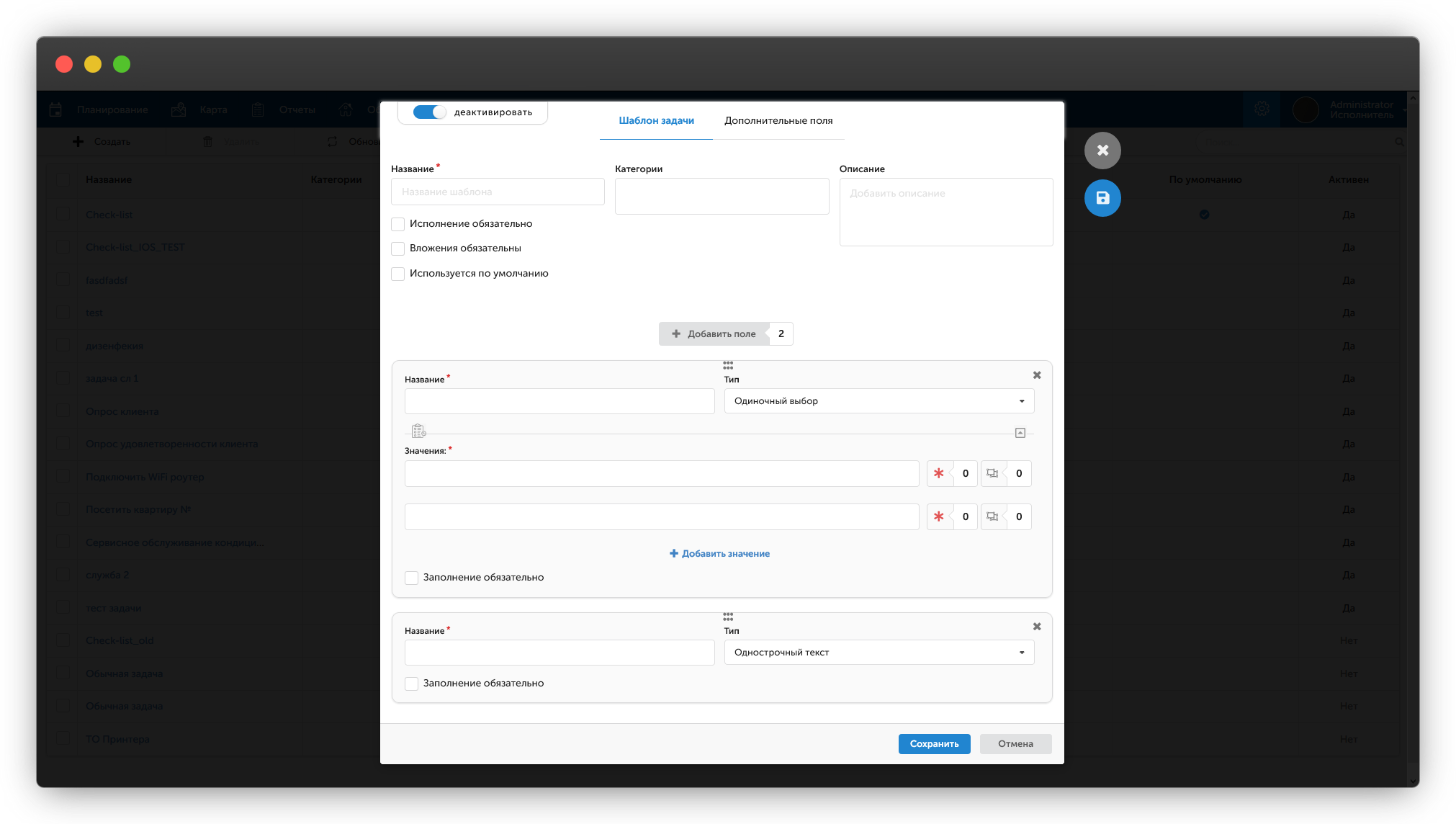
Each field has an additional attribute "Required", by default it is turned off. This means that if an employee does not fill in this specific field, the mobile application will not require mandatory filling and will allow the task to be completed with an empty field in it.
The attribute "Used by default" allows you to automatically add the template to the visit being created.
Enabling the attribute "Attachments required" will require the mobile employee to have a photo in the task results.
To change the order of fields in the template, simply drag the fields to achieve the desired order.