There are four roles in GeoStatus:
- Administrator
- Operator
- Supervisor
- Executor
In order to fully evaluate the capabilities of GeoStatus, we recommend adding several colleagues to the service at the testing stage. This way, you can understand how access rights separation, analytics, and much more work much more clearly.
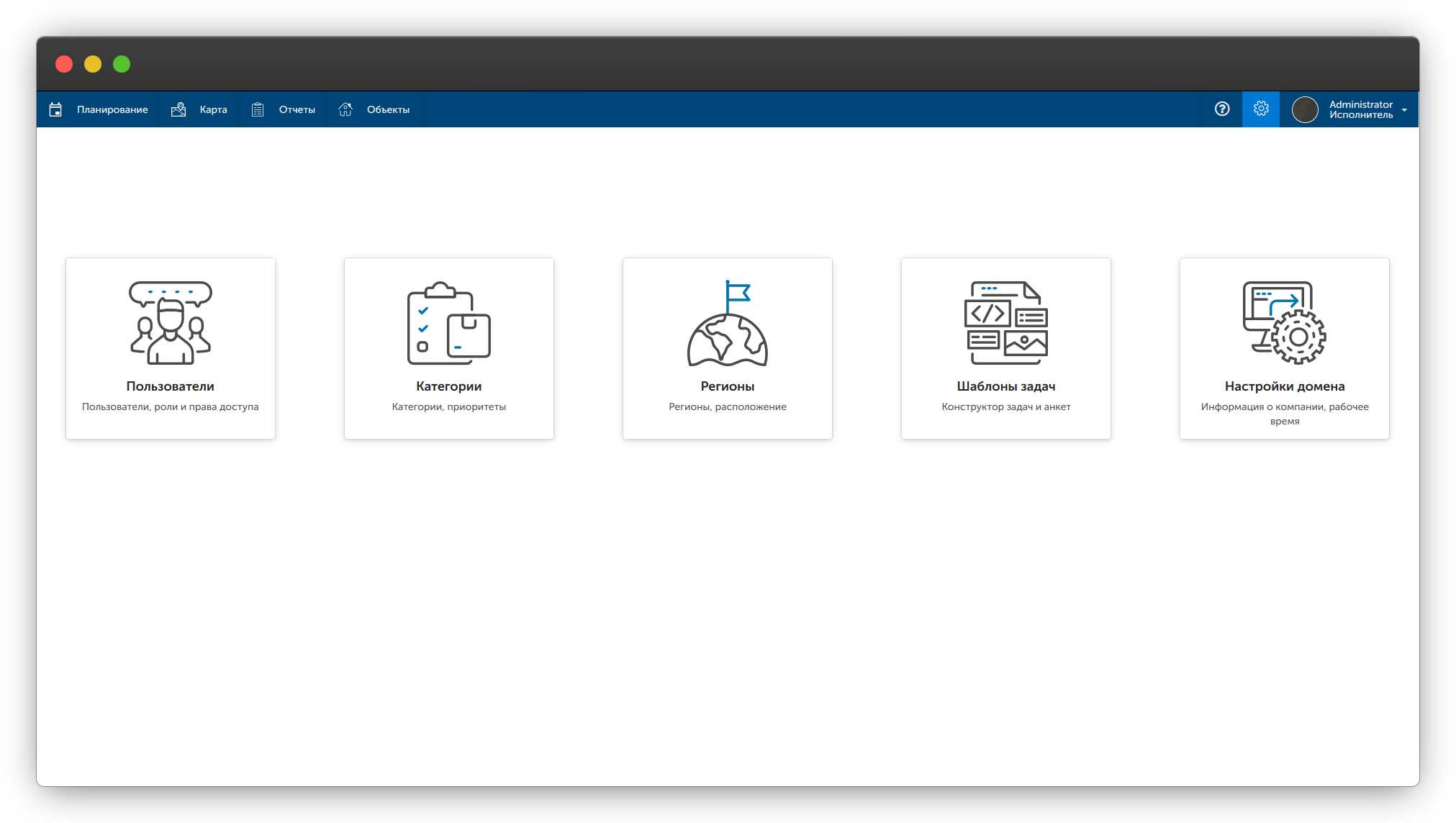
To add colleagues to the system, go to the "Settings" subsection "Users" and click the "Create" button in the upper left corner. Next, simply fill in the fields and come up with a password.
After saving, an invitation letter will be sent to the colleague's email.
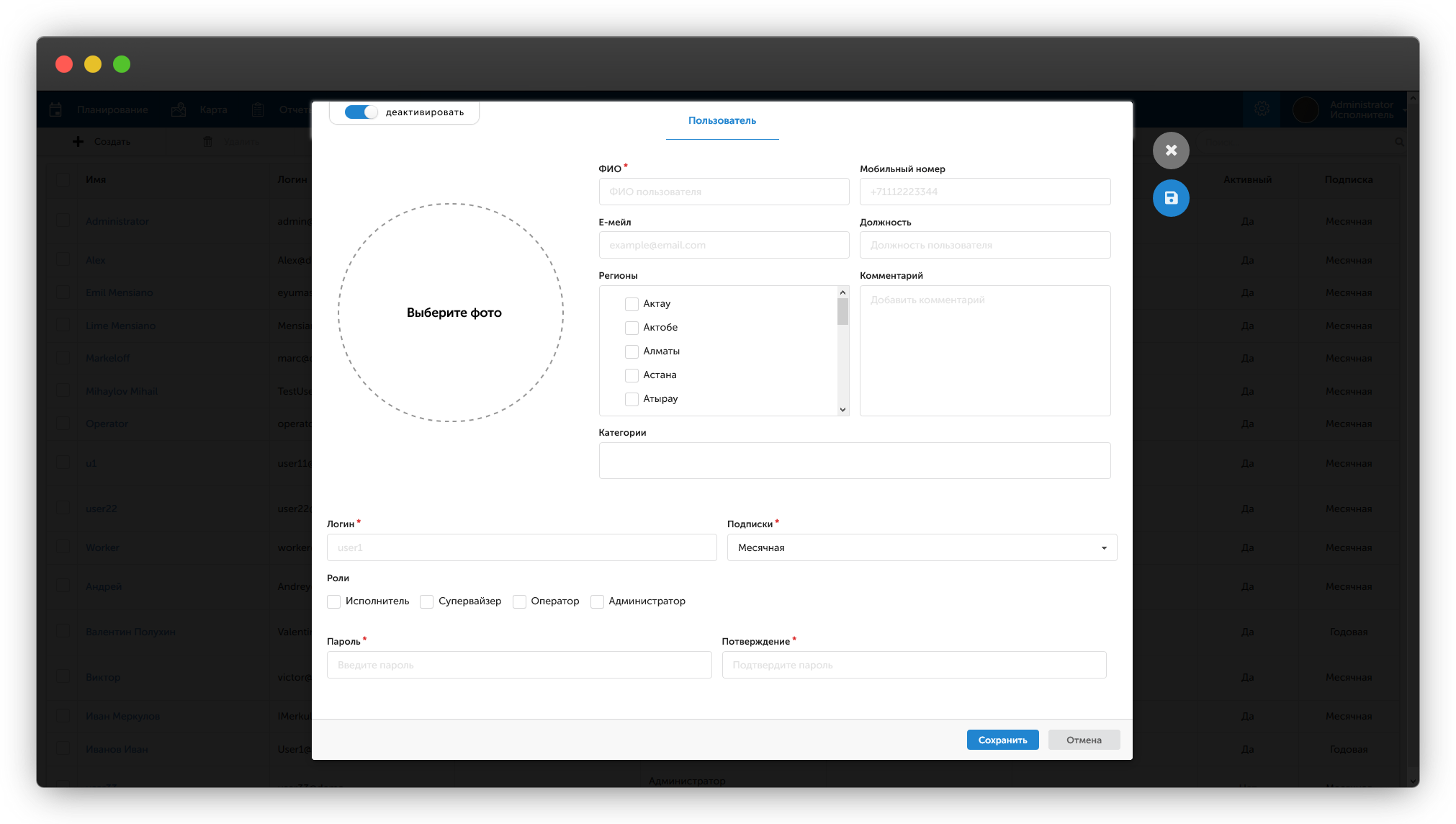
There are four roles in GeoStatus:
Administrator Role:
All functionality of the selected plan is available to users with this role. Any actions with all available entities are allowed: Visits, Facilities, etc.
Operator Role:
Used for management and planning visits for users with the Executor role. For this role, any actions are allowed only with Visits. Everything else is blocked.
Supervisor Role:
Used to view the activity of all users in the system. For this role, viewing all existing entities is allowed: Reports, Visit Results, etc. Editing, Deleting, or Adding entities is blocked.
Executor Role:
Used to work with the mobile application. For this role, viewing only entities available to the user themselves is allowed. A user with this role can work only with Visits that have been assigned to them. Map tracking is available only for users with this role.
| Functionality | Administrator | Operator | Supervisor | Executor |
|---|---|---|---|---|
| Creating and assigning visits |
Only to executors |
Only for yourself |
||
| Creating, modifying, deleting users, facilities, categories, regions, task templates | ||||
| Viewing reports, map of executor movements, task results |
Only for yourself |
|||
| Tracking using the mobile application |