CREATING A VISIT
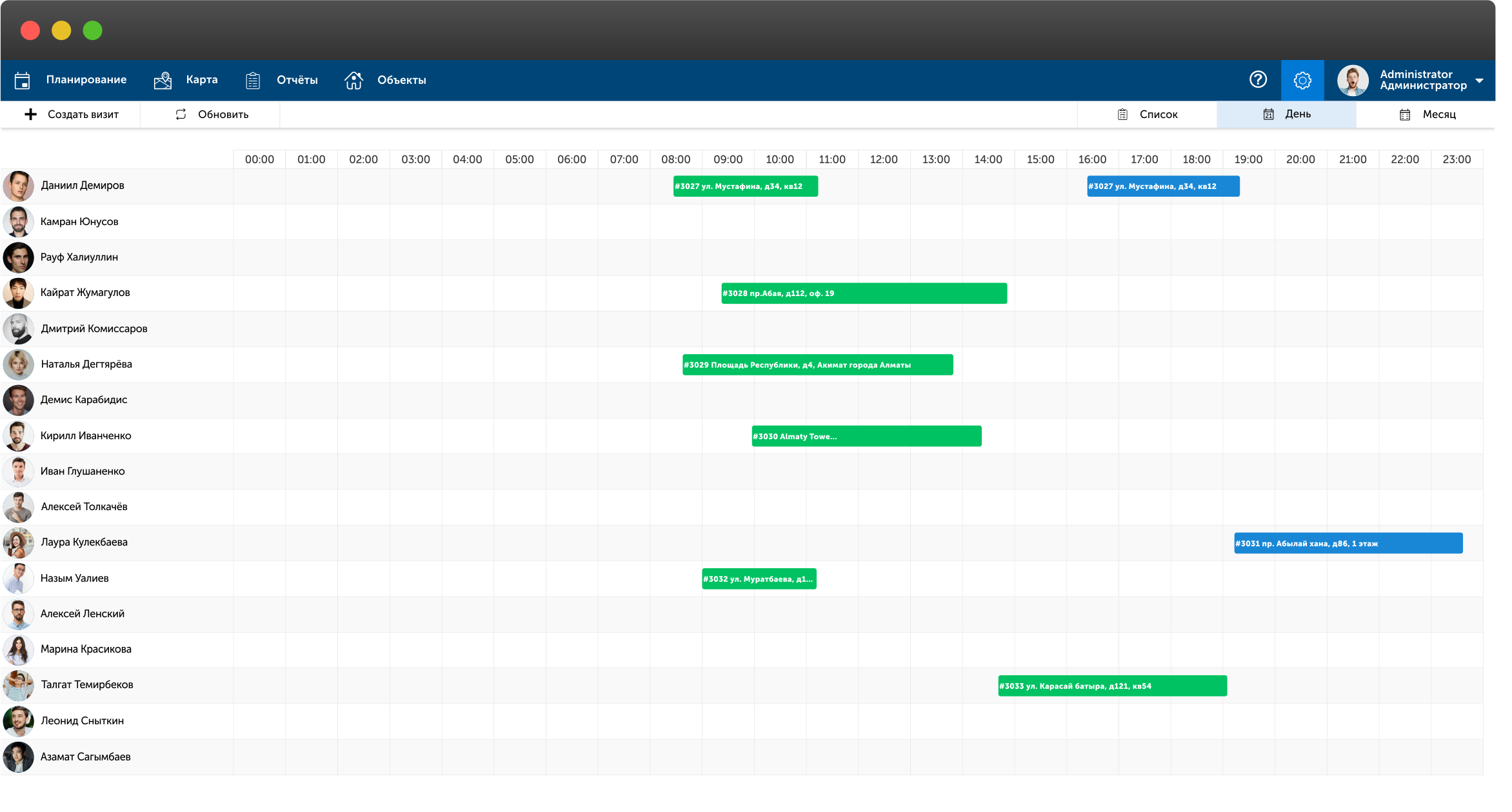
To create a visit, go to "Planning" and click the "Create" button in the upper left corner.
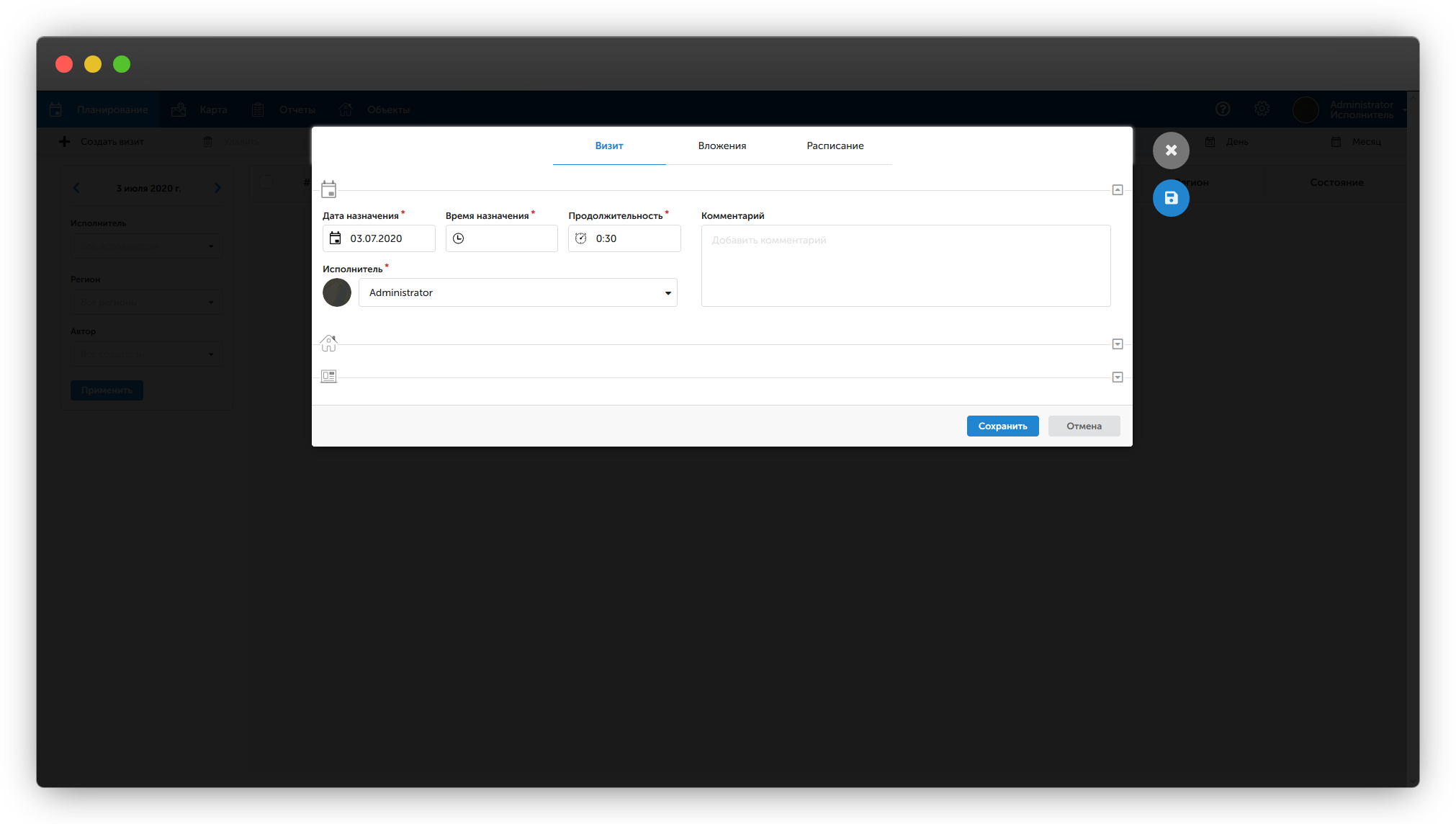
You need to fill in the "Date", "Time", "Duration" fields and select an executor.
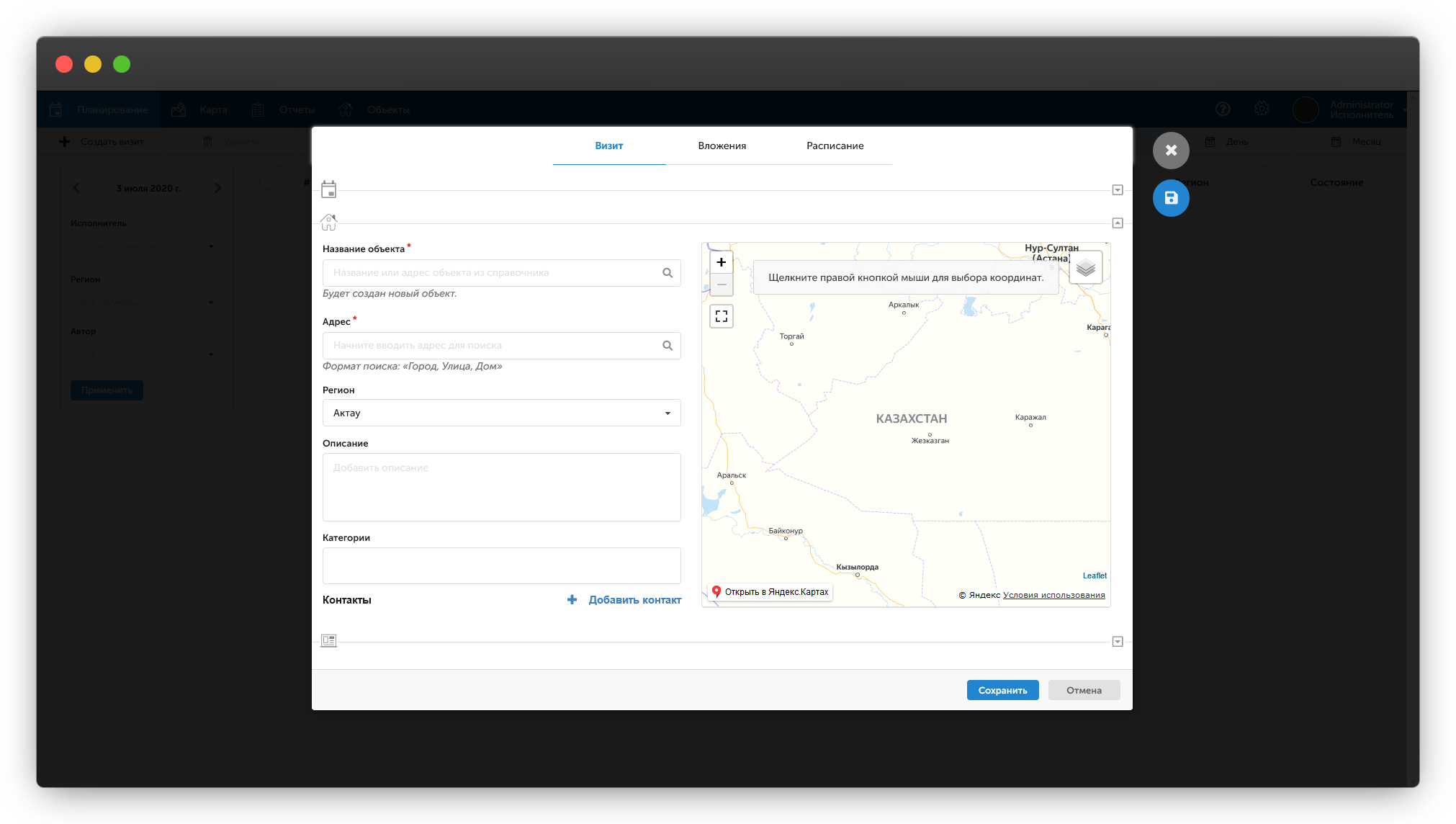
Next, enter the name of the facility. If such a facility already exists, you will be prompted to select it from the list; if not, a new facility will be created.
To clarify the address on the map, right-click on the desired location on the map.
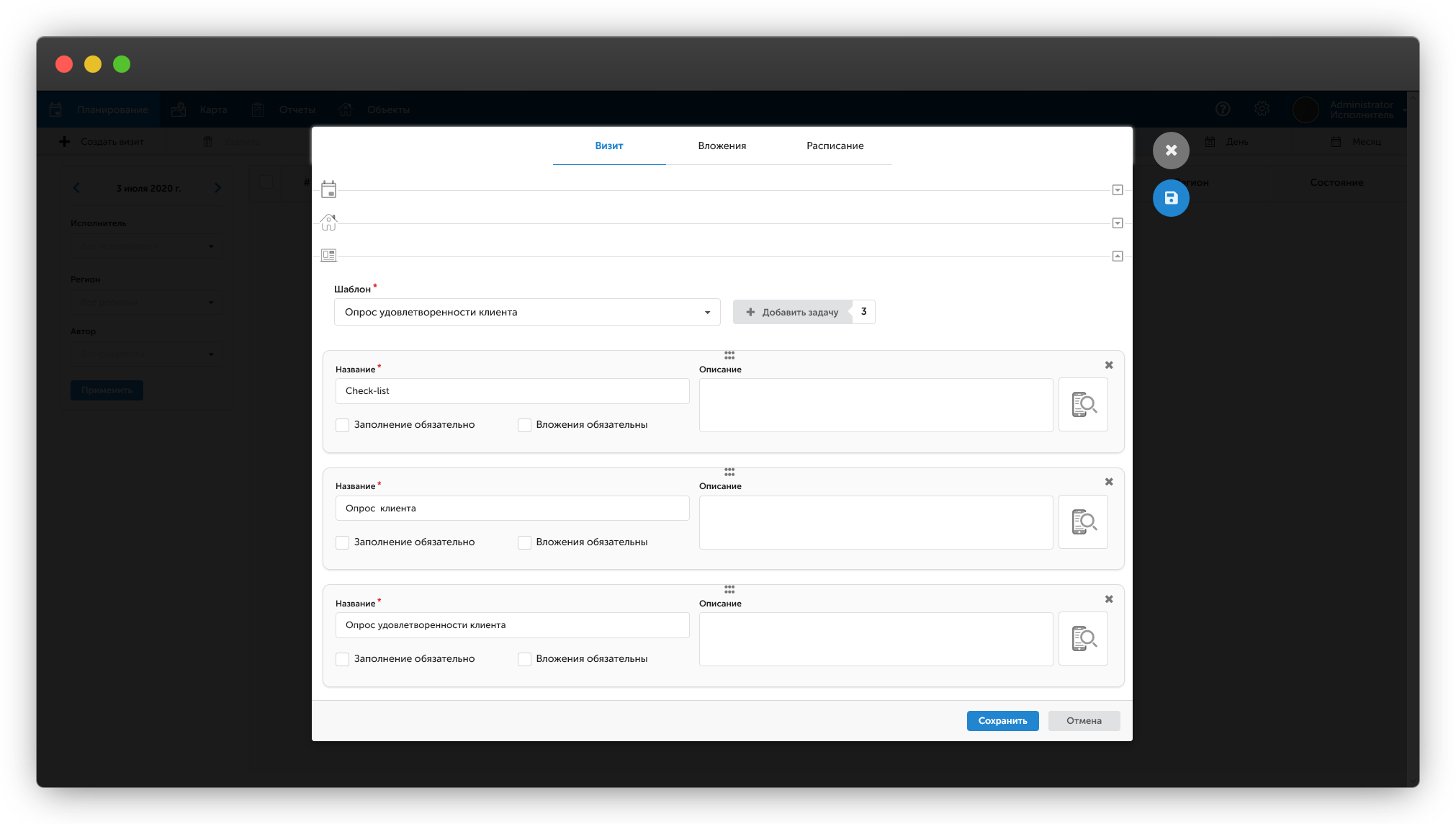
Select from the list and add the necessary tasks to the visit.
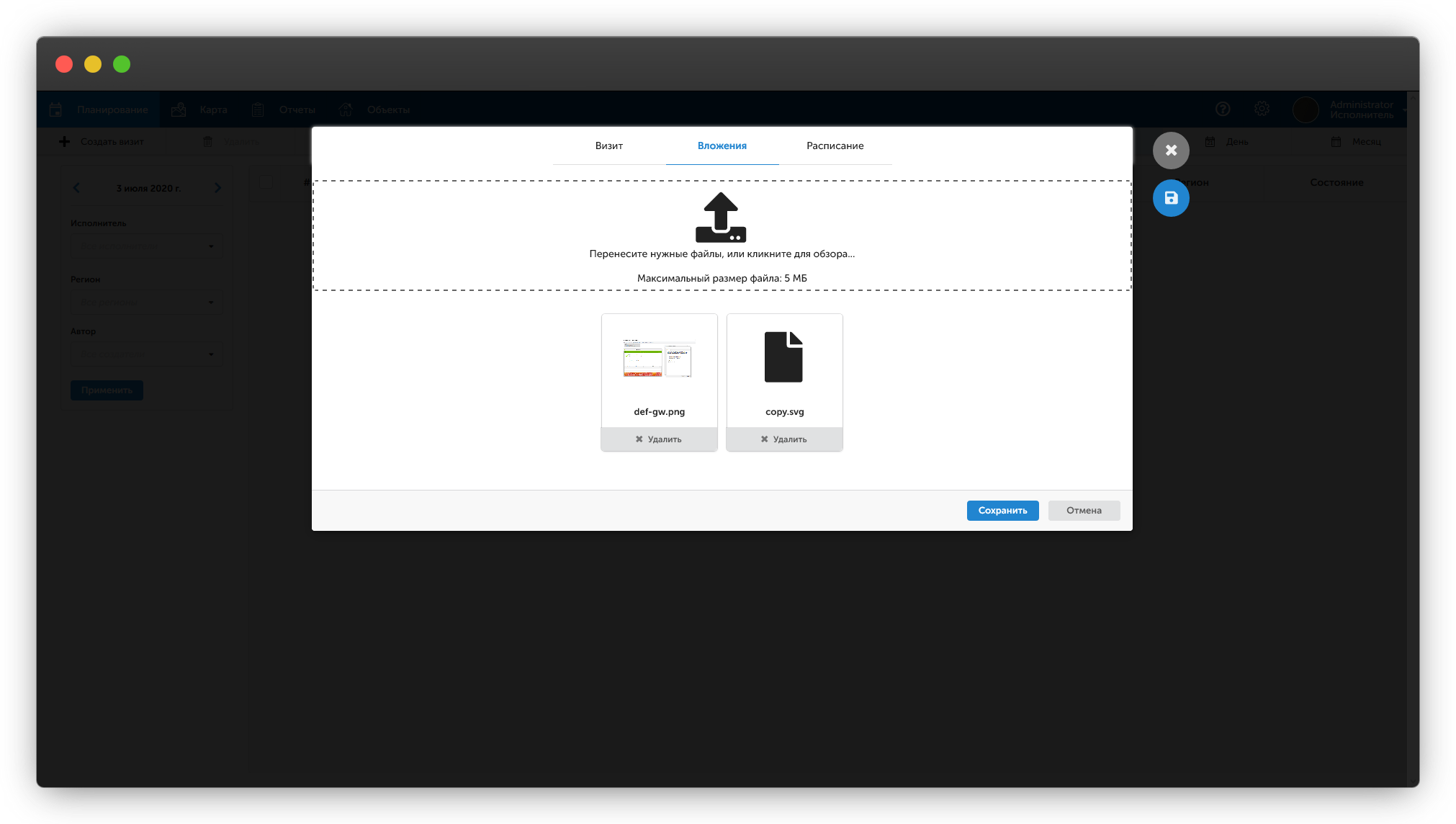
If you need to attach a file to the visit, click on the "Attachments" tab and add the necessary files. They will appear in the mobile application.
After saving, the executor will receive a push notification about the new visit on their phone.